Less searching.
More adjusting.

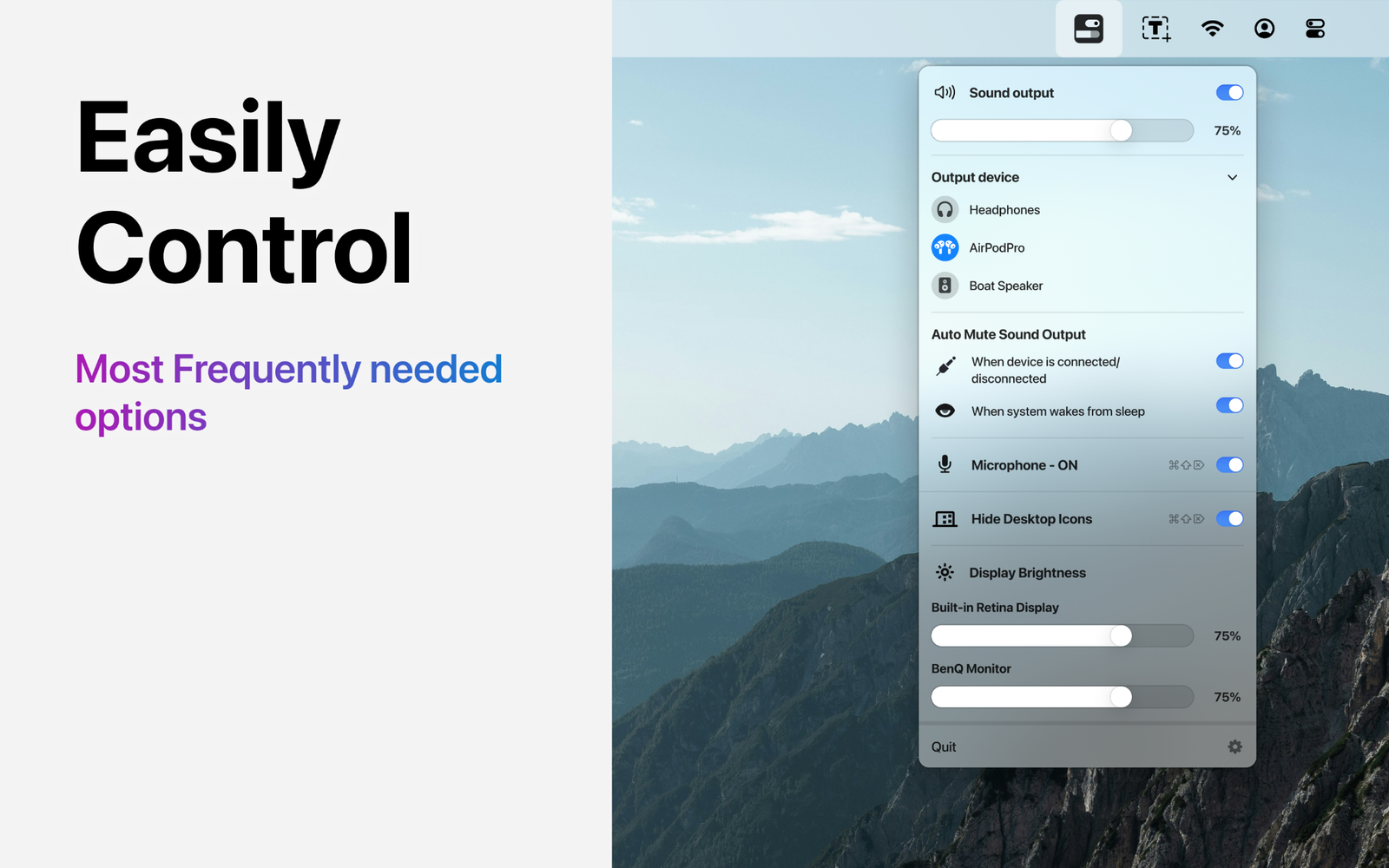
Easily puts audio output, brightness, microphone and desktop controls where they are quickest to reach: the menu bar.

View on Mac App Store ↗Explore the controls ↓
Easily menu bar utility showing frequently used Mac controls
ONE MENU. THE CONTROLS YOU REACH FOR.

A compact control surface for your Mac.

Audio

Switch output devices without opening Settings.
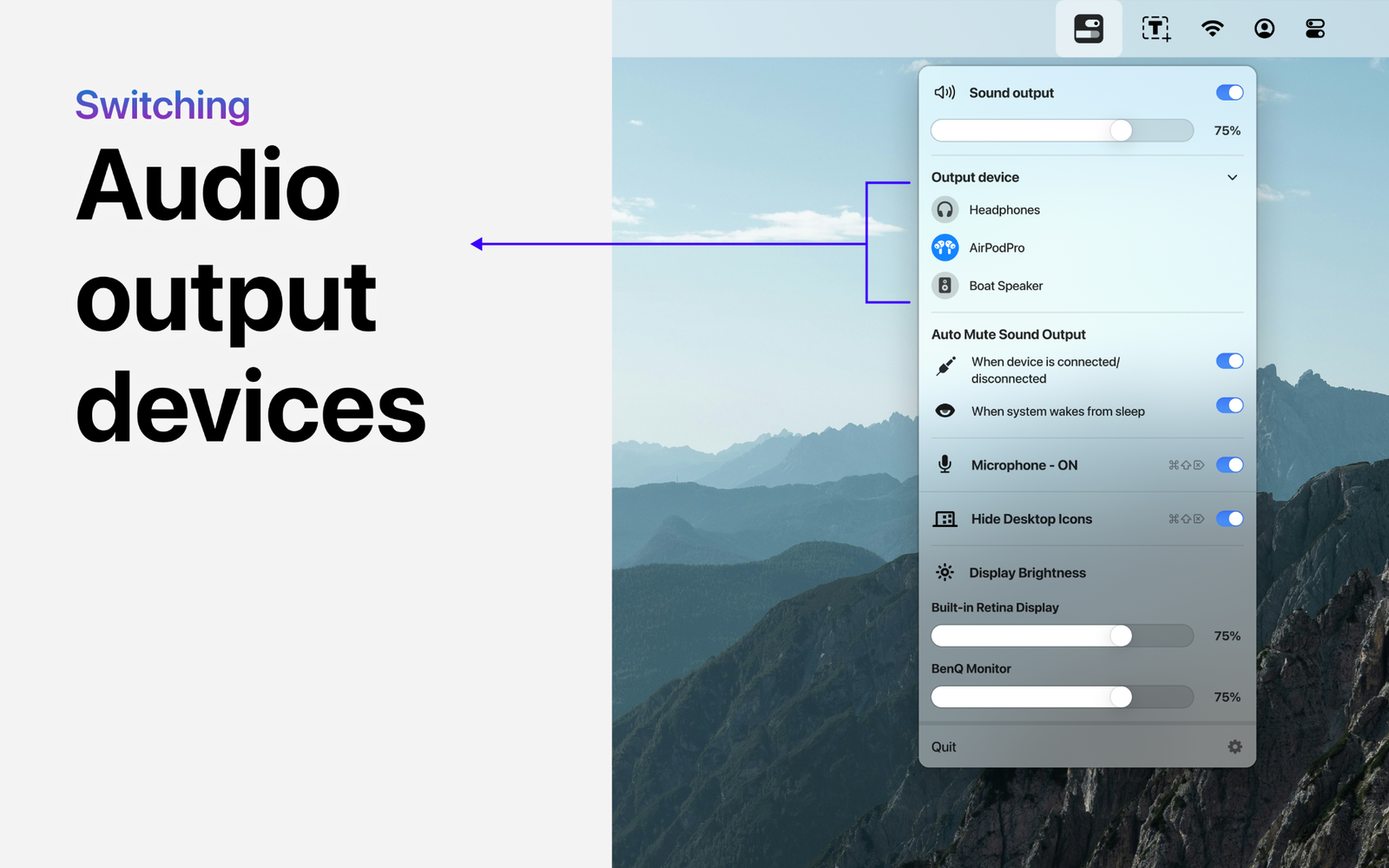
Easily audio output device switching
Protection

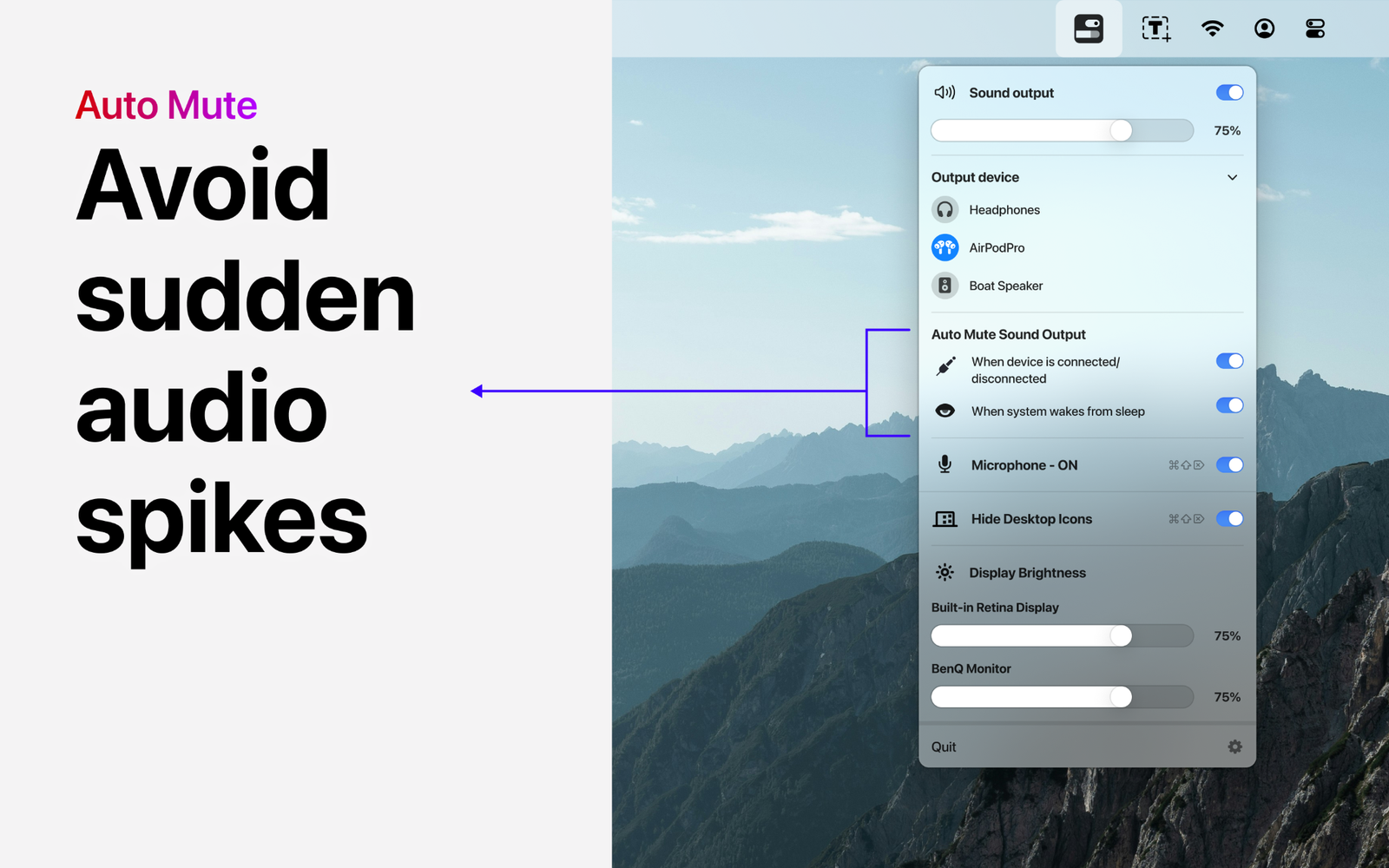
Auto-mute when it matters.

Easily automatic mute controls
Focus

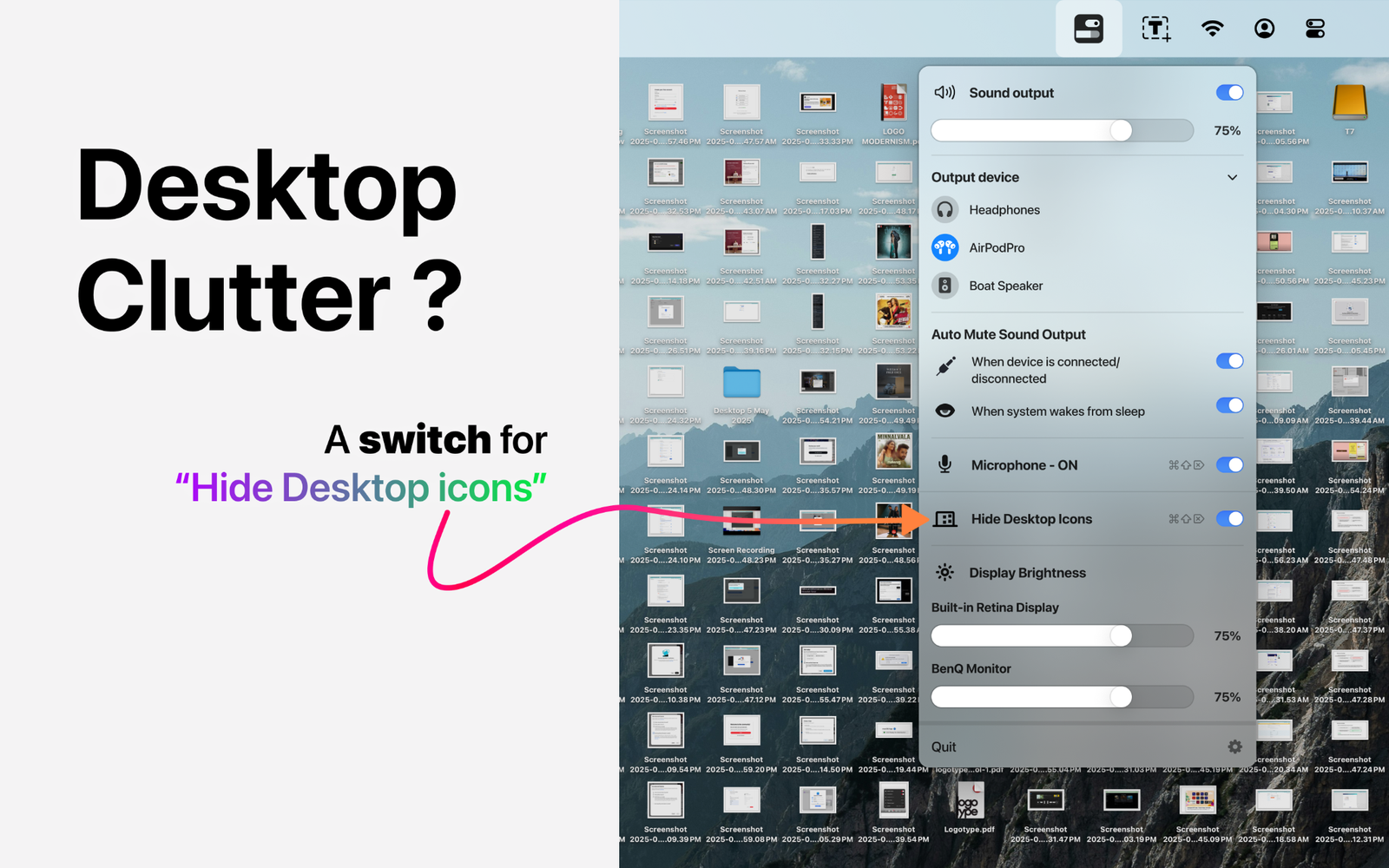
Hide desktop clutter instantly.

Easily hide desktop icons control
Clean view

Turn a busy desktop into a clean one.

Easily clean desktop result

Small utility.
Frequent payoff.

The idea is intentionally simple: controls you use often should not be buried several levels deep. Easily keeps those small adjustments close, without trying to become another full settings app.

Designed as a local Mac utility.

Read what Easily accesses to provide its controls and how that information is handled.

Privacy Policy →

Know how the utility behaves.

Review compatibility, licensing and usage conditions.

Terms & Conditions →


Your frequently used controls, one click away.

View Easily on the Mac App Store ↗