SAFARI, MADE BETTER FOR STREAMING5.1 Audio and
5.1 Audio and
1080p for Netflix.
Plus watch history for Netflix and Prime Video—inside one focused Safari extension for Mac.
View on Mac App Store ↗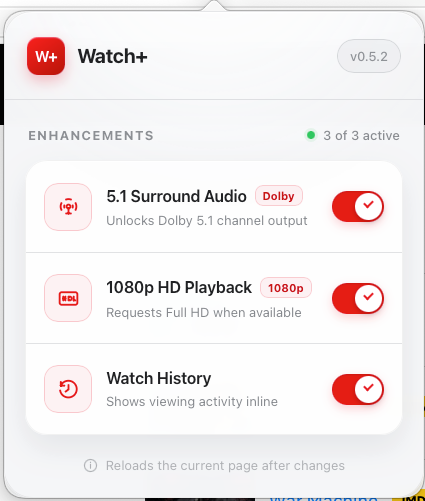
01 / AUDIO
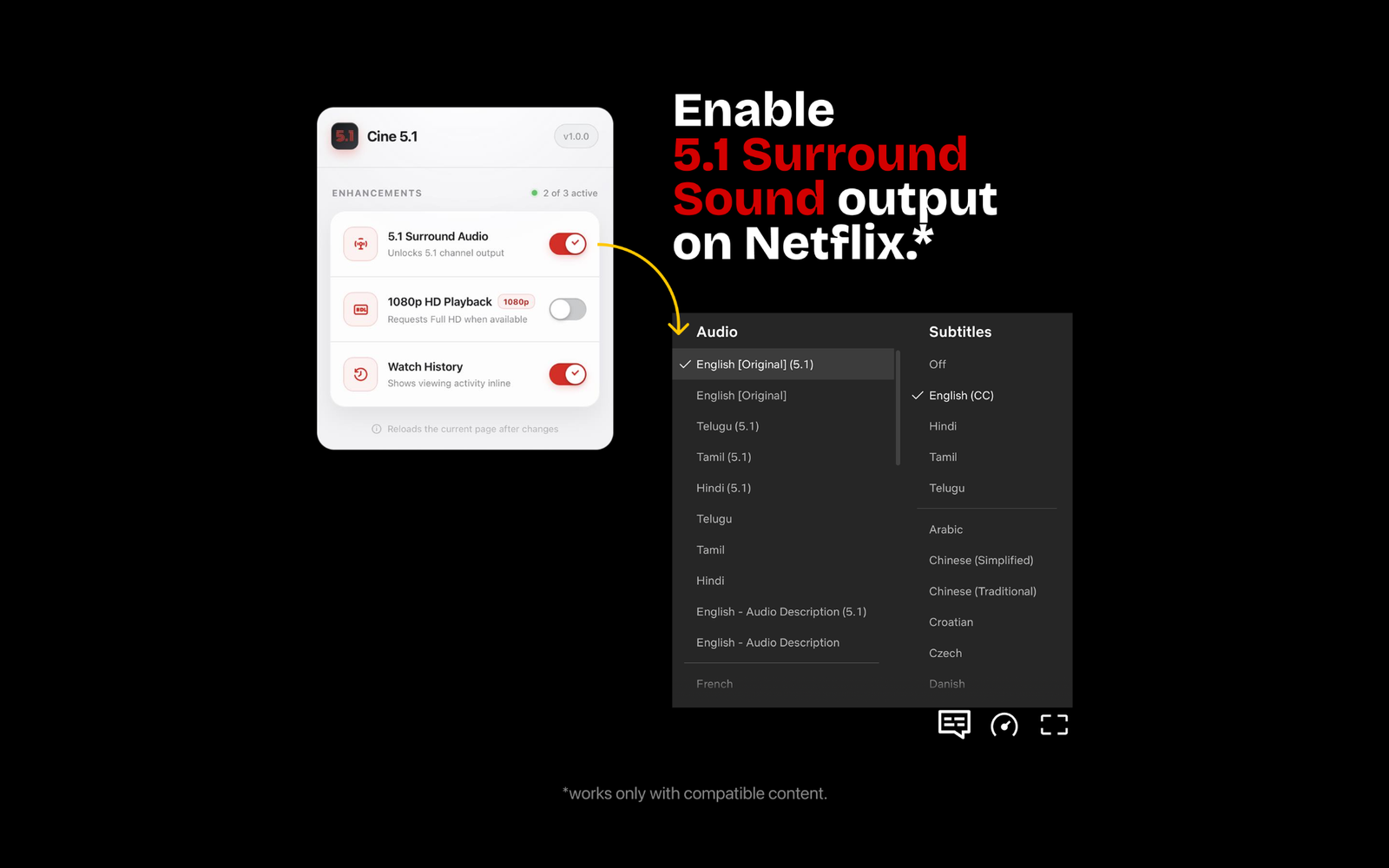
Make compatible Netflix titles sound bigger.
Enable 5.1 surround audio from the extension and use the available 5.1 track on supported content.
02 / VIDEO
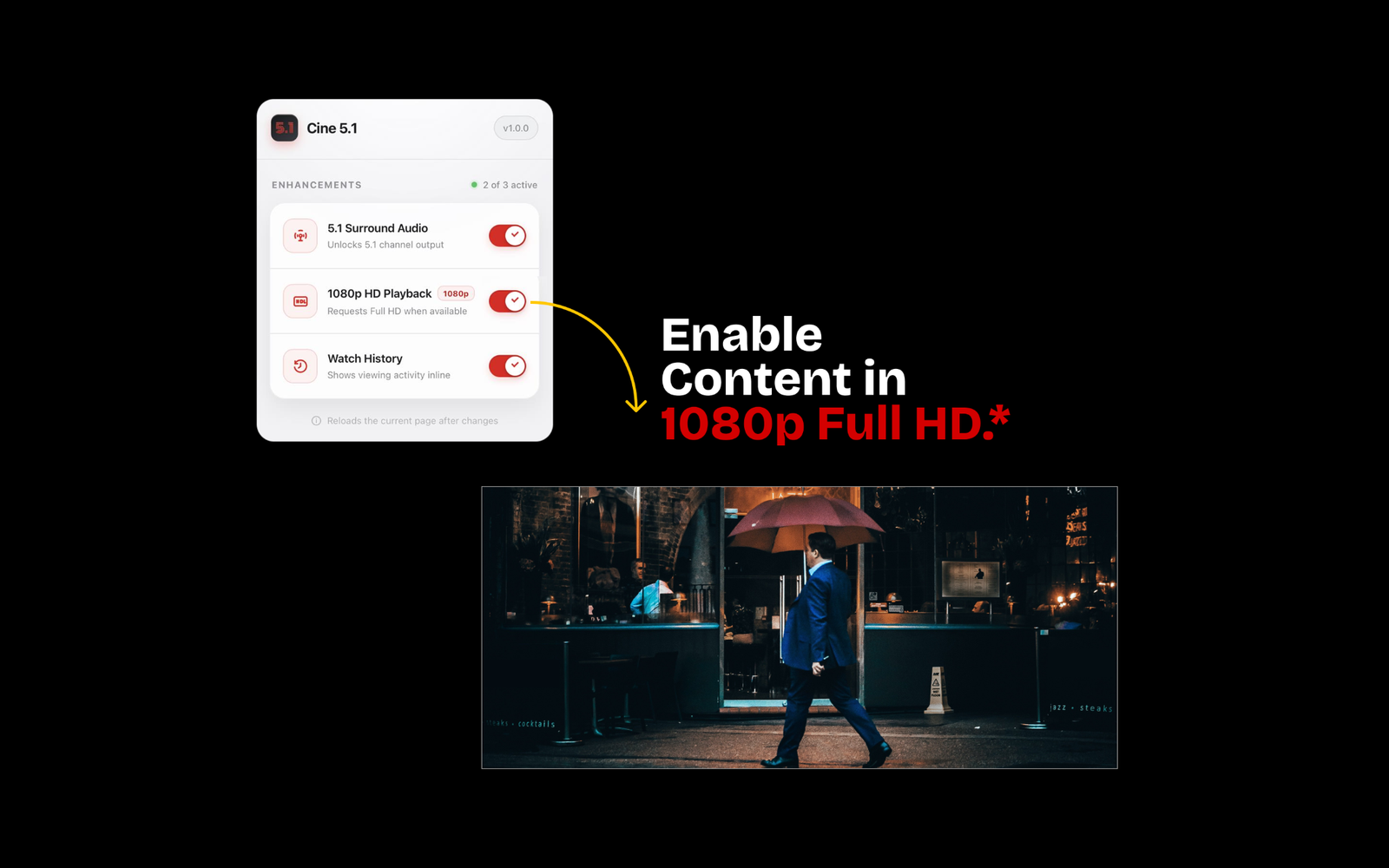
Request 1080p playback when it is available.
Turn on the Full HD enhancement from Cine 5.1 and keep the experience focused on the content.
03 / HISTORY
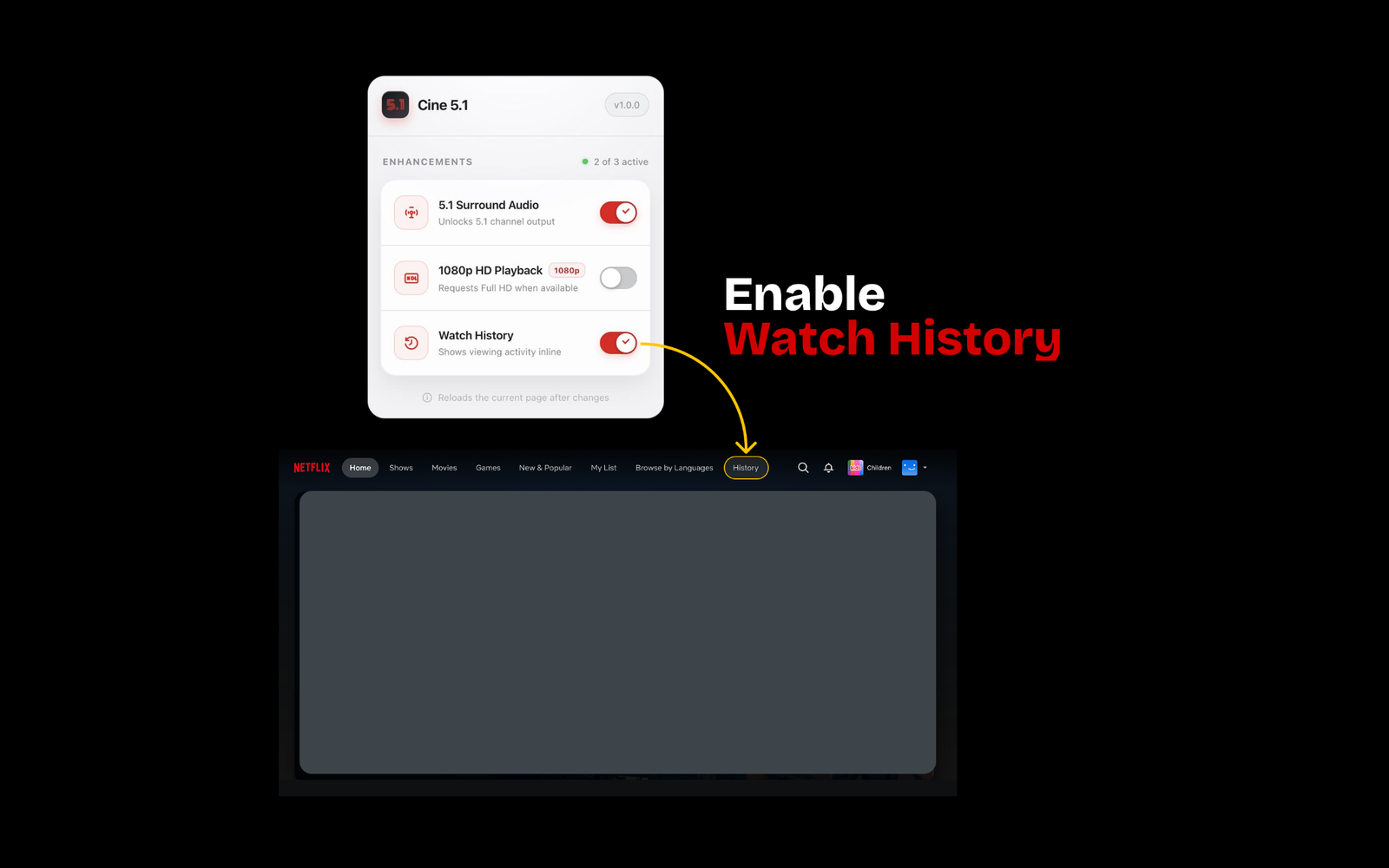
Remember what you watched.
Keep watch history for Netflix and Prime Video so returning to something you were watching feels simpler.
5.1 audio and 1080p depend on compatible content, service availability, Safari behavior and the capabilities of your Mac and playback setup.
PRIVACY
Know what the extension reads.
Review how Cine 5.1 handles the information needed for playback enhancements and watch history.
Privacy Policy →TERMS
Streaming services can change.
Read compatibility, third-party service and usage terms.
Terms & Conditions →