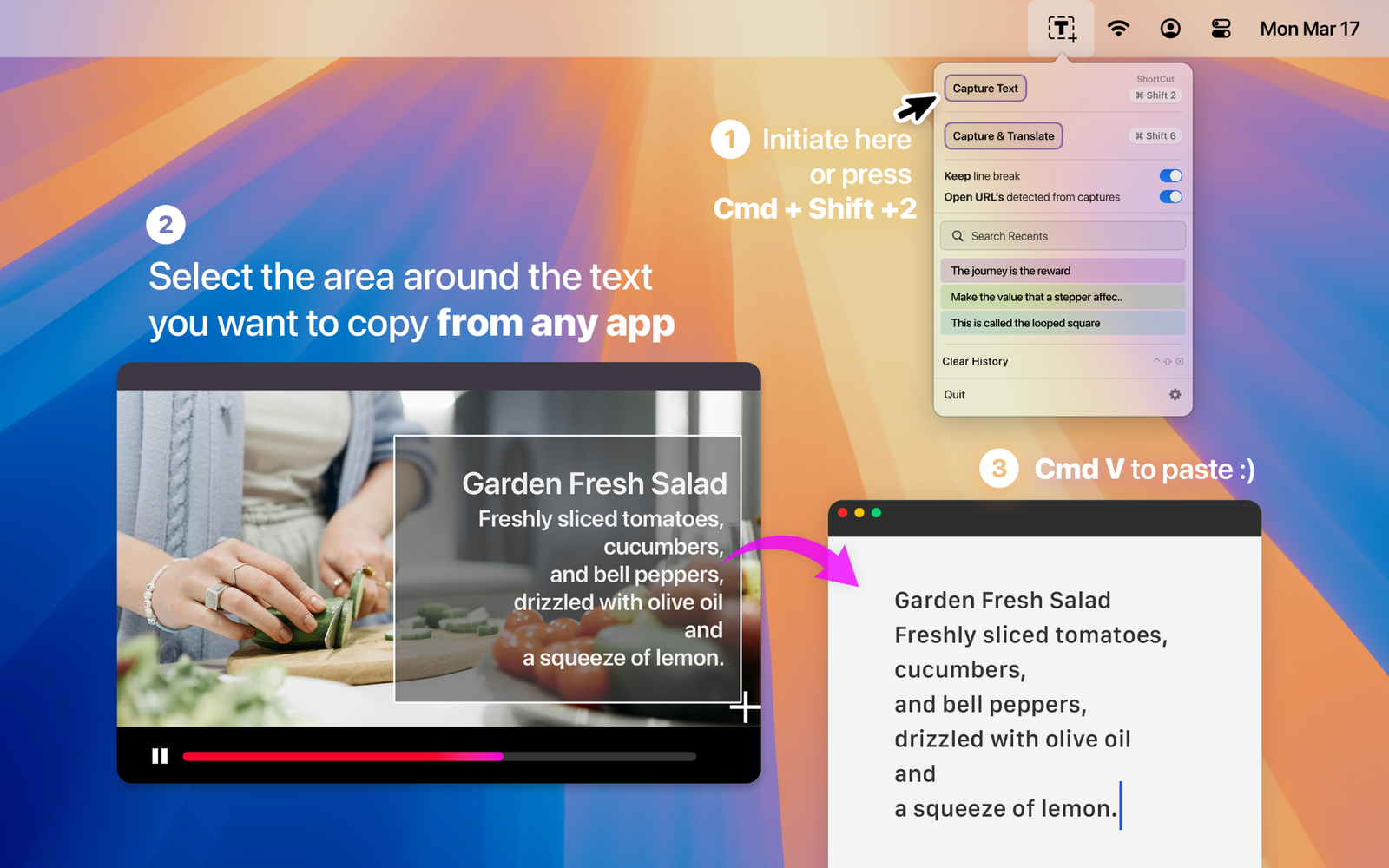
Capture what you can’t select
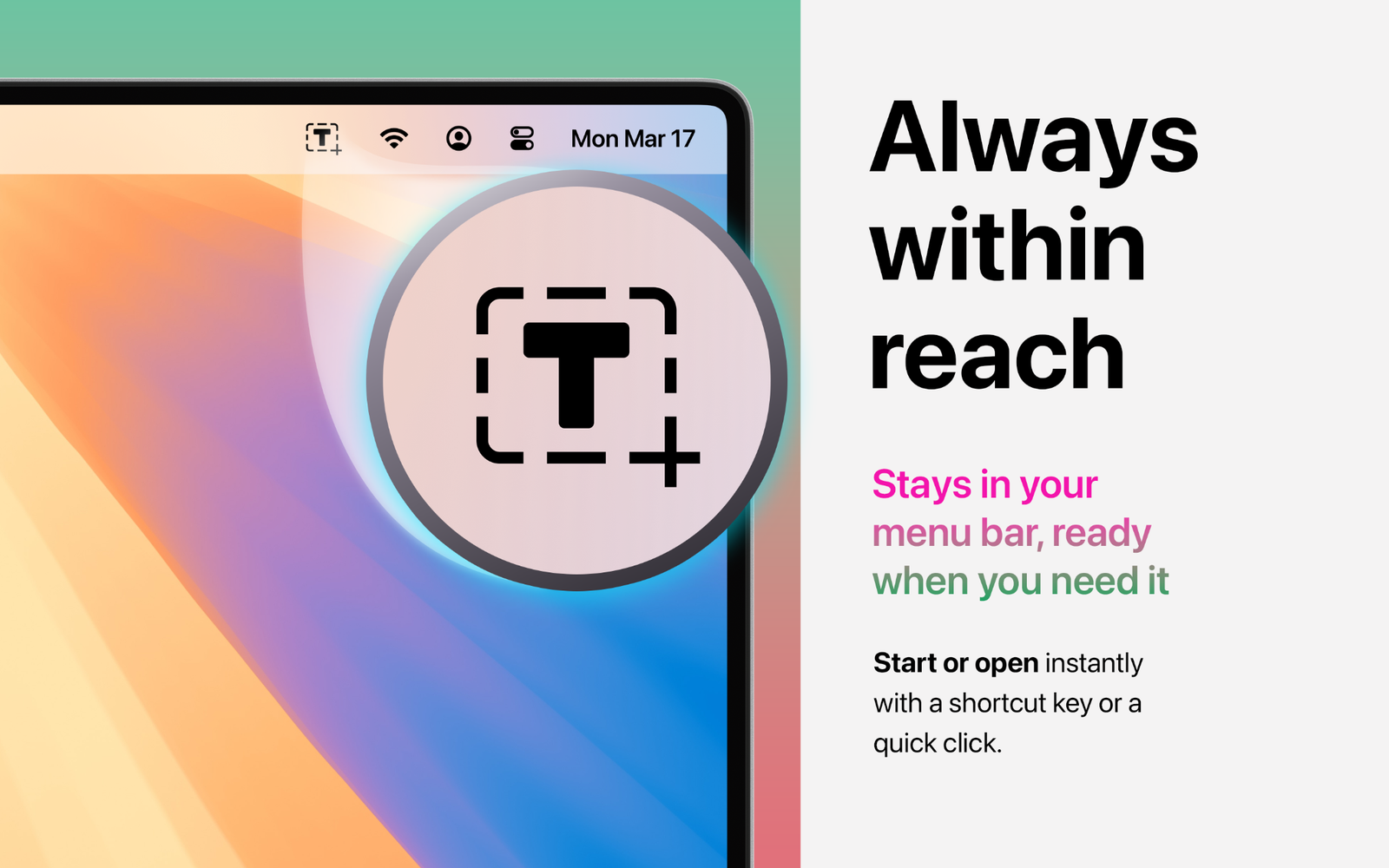
Start from the menu bar or shortcut, then drag over the words you want.
Capture text from images, videos, PDFs and app interfaces, then paste it wherever you need it. No retyping. No detours.
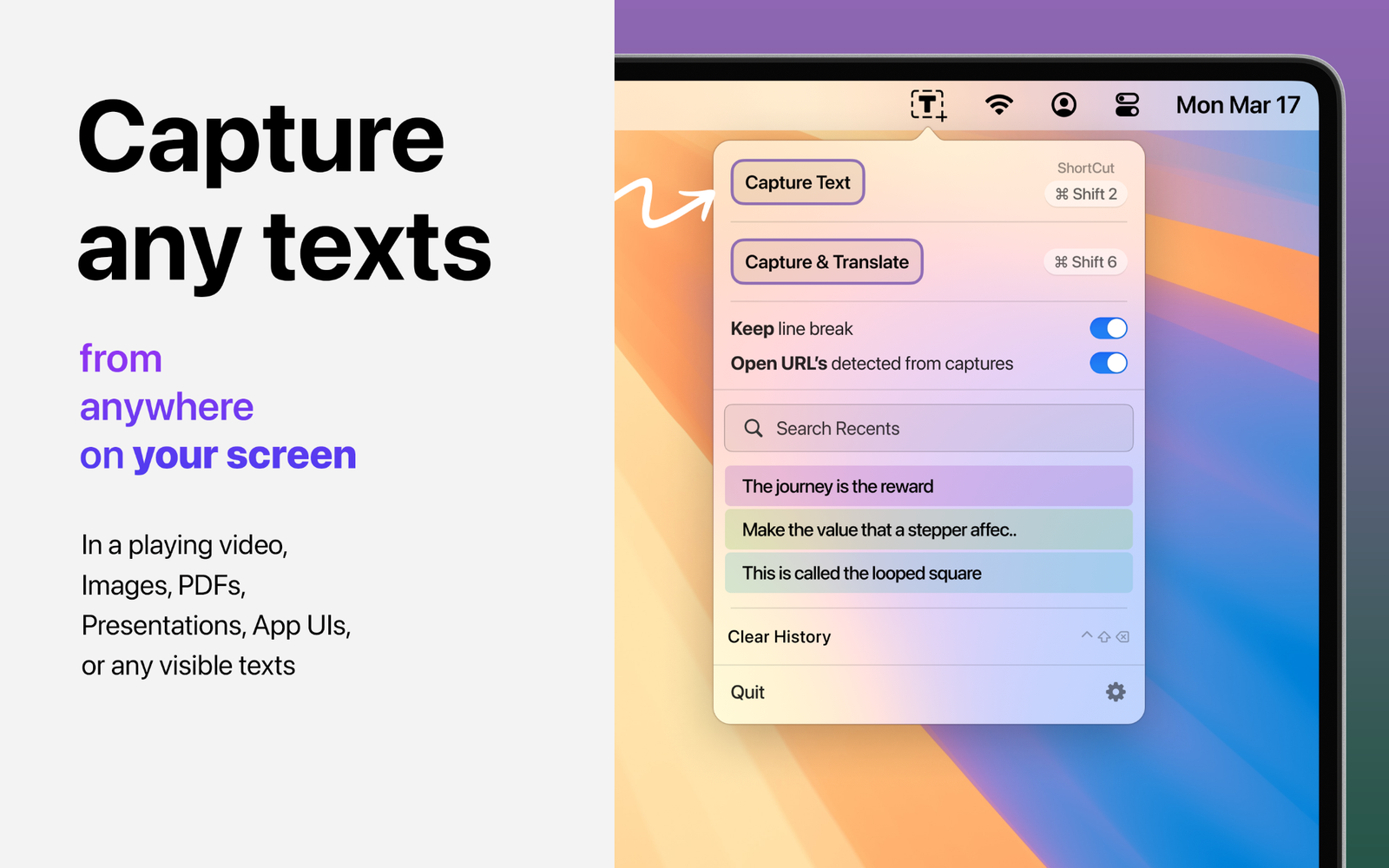
ONE MOTION. USEFUL TEXT.
Start from the menu bar or shortcut, then drag over the words you want.
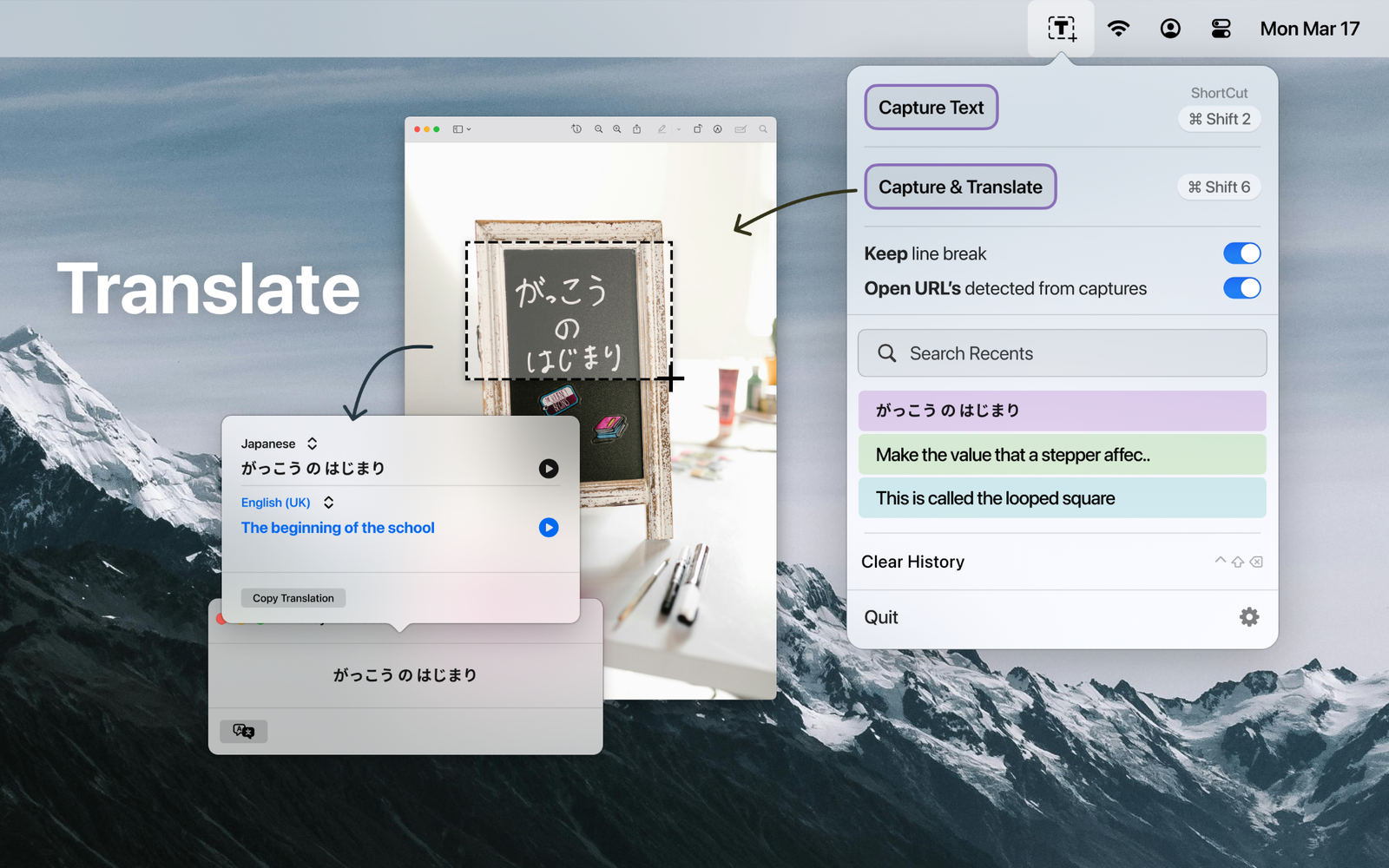
Capture another language and move straight into translation without retyping it.
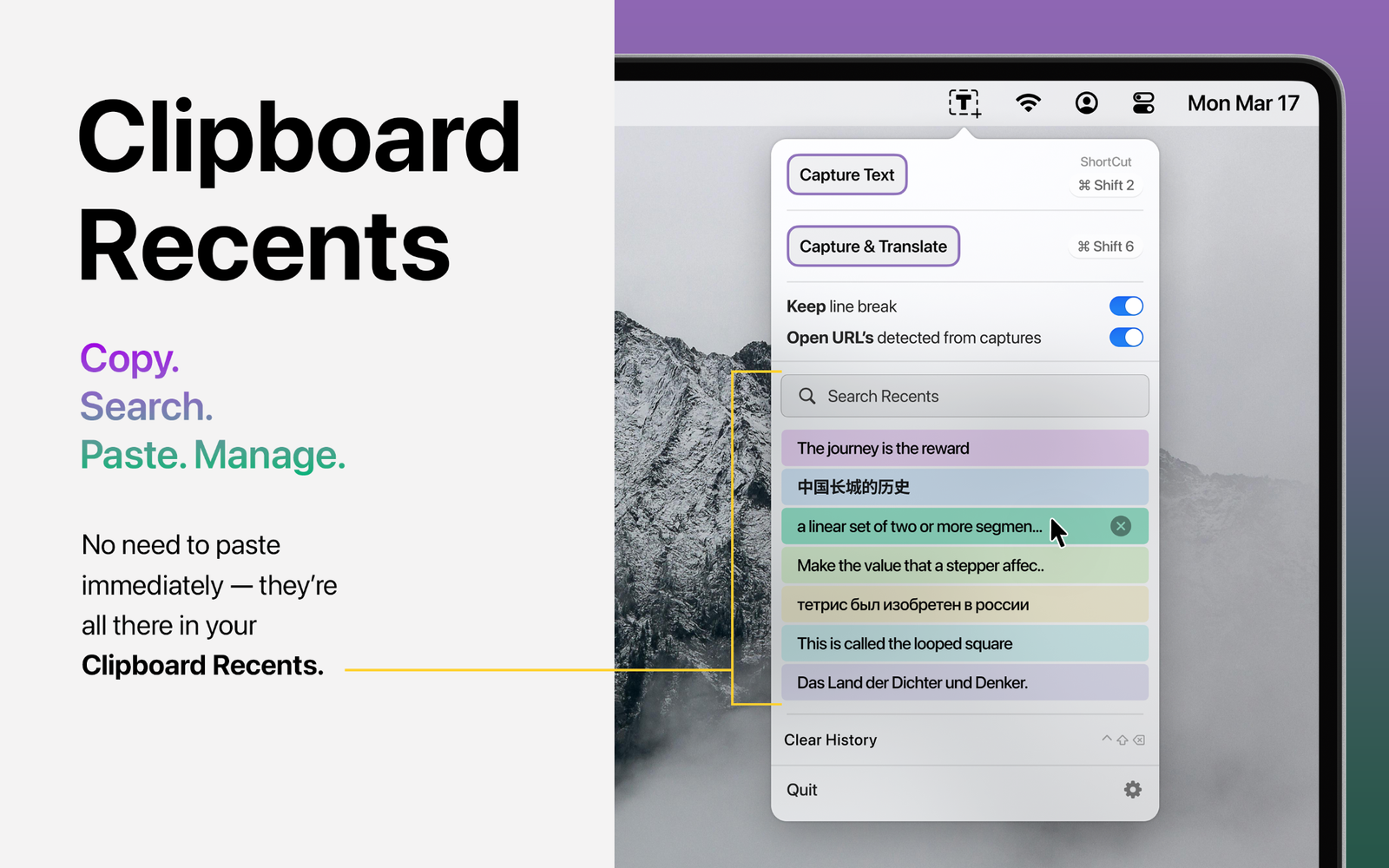
Search recent captures and copied text instead of hunting through your workflow again.
Textly is for the moments when information is right in front of you—but macOS or the app won’t let you select it normally.
Review how Textly handles captured content and clipboard history.
Privacy Policy →Read the license and terms that apply when using Textly.
Terms & Conditions →