Local display control
Screen Scale is designed around local display adjustments. Review how preferences, diagnostics and support information are handled.
Read Privacy Policy →Screen Scale gives you effortless control over your Mac’s display resolution. Open it from the menu bar and move the slider to quickly find the right balance between more workspace and larger, easier-to-read content.
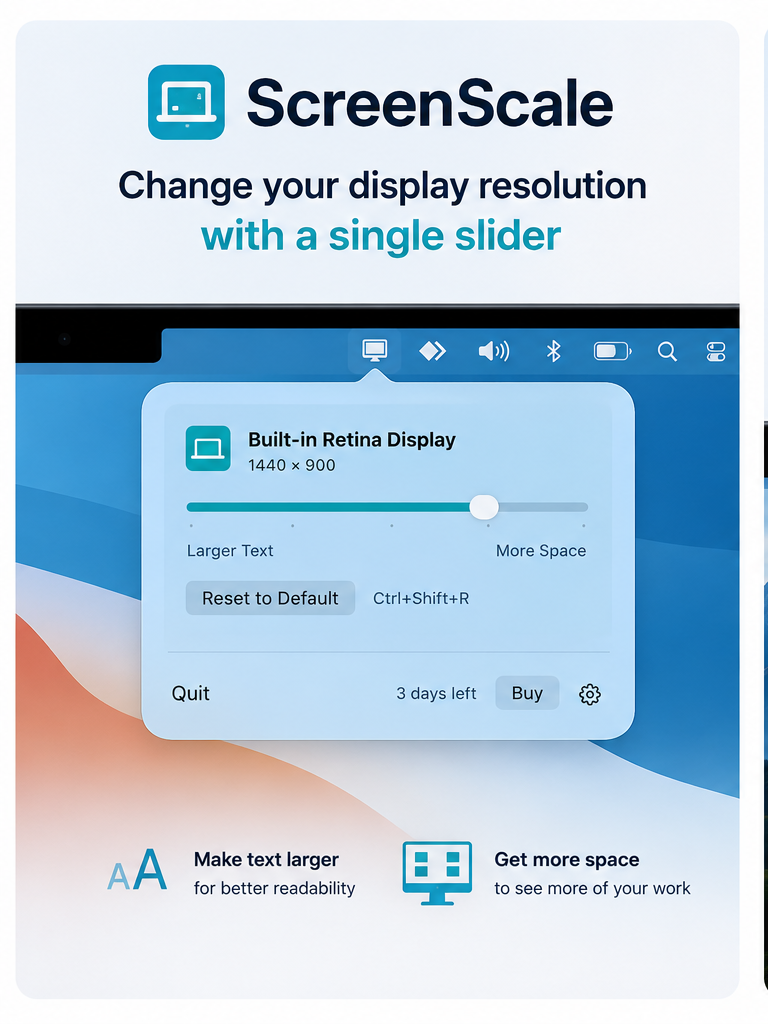
Skip repeated trips into display settings and reach the scale that feels right for the task in front of you.
Move toward larger content when readability and comfort matter most.
Move toward more workspace when you want to see more content at once.
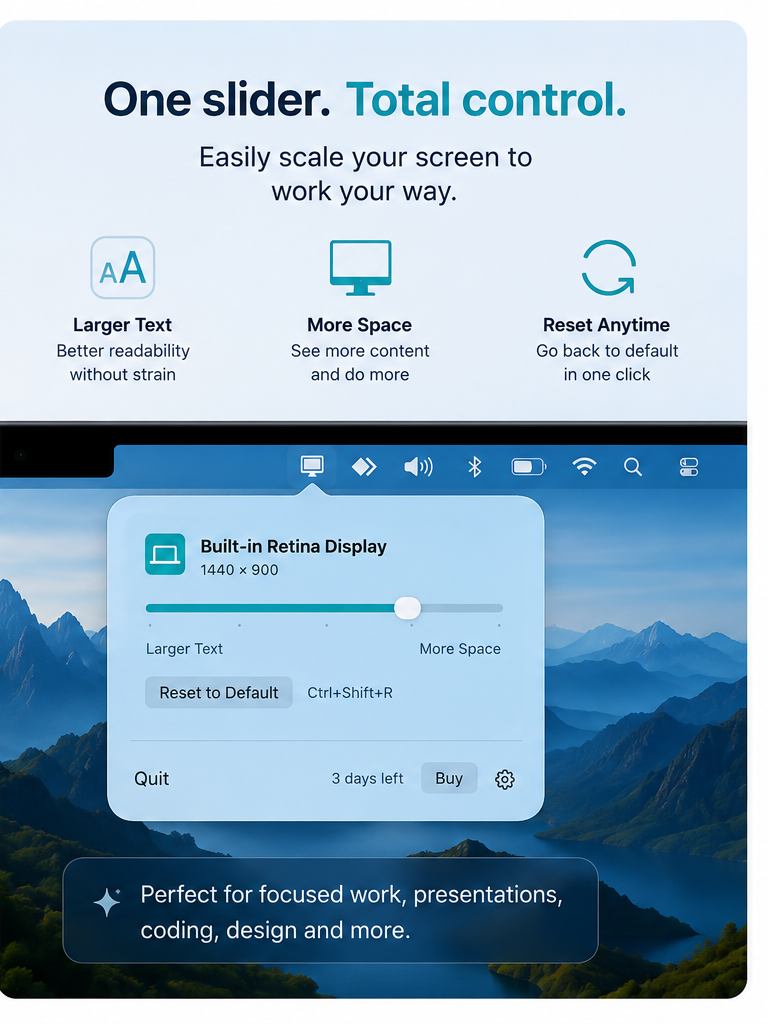
Return to the default display setting with a quick action.
Open Screen Scale without interrupting the app you are currently using.
Find the right display balance through one clear, continuous control.
Useful for reading, focused work, coding, design, presentations and more.
The interface keeps display scaling focused around the one control you use most.
Screen Scale is designed around local display adjustments. Review how preferences, diagnostics and support information are handled.
Read Privacy Policy →Review license terms, compatibility limitations and responsibilities when using Screen Scale.
Read Terms & Conditions →Screen Scale is designed to make it faster to move between supported display scaling options so you can choose between larger content and more available workspace.
No. Screen Scale focuses on display scale and resolution-style workspace changes, not screen brightness.
The app is designed as a menu-bar utility so the slider stays easy to reach.
Yes. The interface includes a reset-to-default action.